

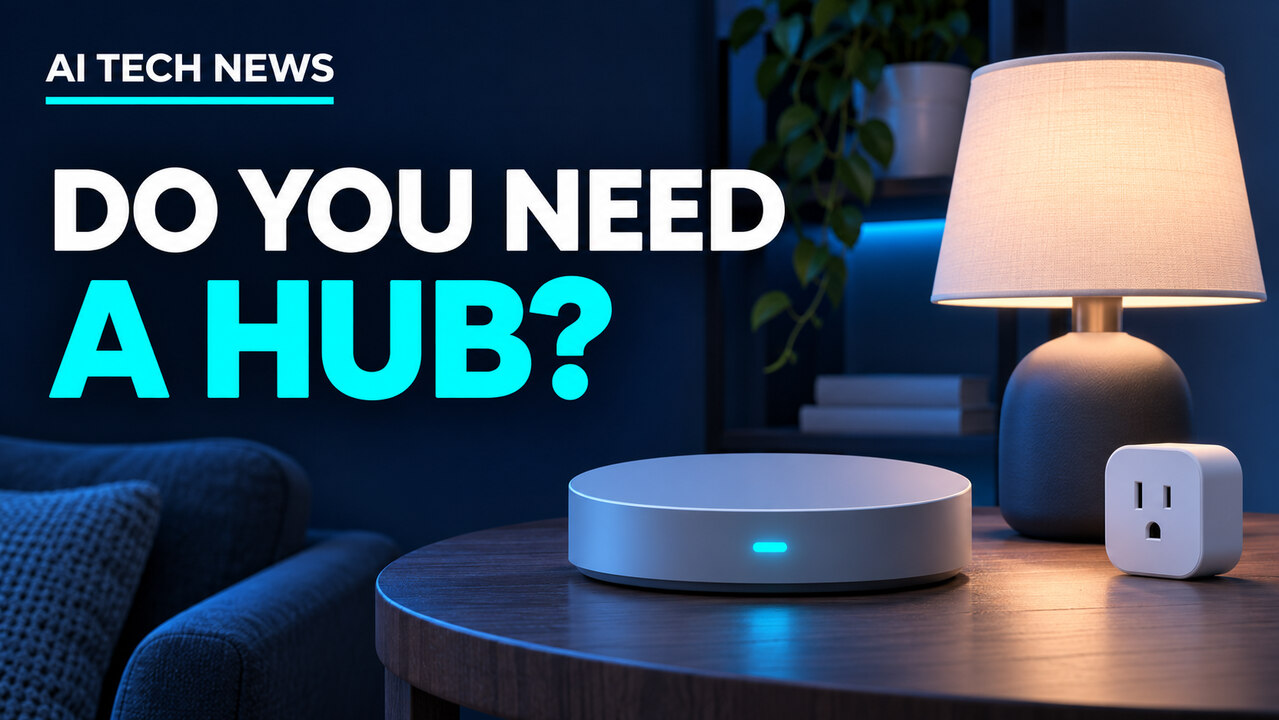
If all you want is to turn off the living room lamp from your phone, you can probably skip a separate smart home hub. If you want a door sensor to trigger lights from a different brand, or you’re buying a Matter-over-Thread device, check what your setup needs first. A speaker or streaming box you already own might do the job.

What does a smart home hub do?
A hub helps compatible devices work together. It can give you one place to manage them and run routines, like turning on the hallway light when a door opens after sunset. The features depend on your devices and platform.
Shopping gets confusing because manufacturers use “hub” for several jobs. One device can do more than one.
- A Matter controller adds and controls supported Matter accessories in your chosen smart home system.
- A Thread border router connects a Thread network to the rest of your home network. If an accessory says “Matter over Thread,” check how your platform connects to it. “Matter over Wi-Fi” devices use Wi-Fi for that connection.
- A bridge can bring compatible devices that use a different system, such as Zigbee lights, into your smart home platform. Check which devices and controls the bridge shares.
Matter helps compatible devices work across platforms. Check whether your platform supports the device type and the specific features you want. Connectivity Standards Alliance’s Matter FAQ
When you can skip the hub
Start with the accessory’s own app if it already does what you need. For example, TP-Link’s Kasa HS103 plug connects directly to home Wi-Fi and supports schedules through the Kasa app. That’s enough if your big automation plan is “turn this lamp off at bedtime.” TP-Link’s Kasa plug specifications
Bluetooth can work for nearby control, too. Philips Hue offers Bluetooth control for compatible lights. Check the range and features before deciding whether you need its Bridge. Philips Hue’s guide to Bluetooth and Bridge setups

When a hub is worth adding
- You want devices from different brands to work together. Check whether your platform can use the sensor as a trigger and control the light as an action.
- Your accessory calls for one. Match the exact requirements on the product page. A brand bridge, Matter controller, and Thread border router serve different purposes.
- You want routines to work during an internet outage. Verify that the specific routine runs locally. A hub can run some controls at home while other features still depend on the cloud.
Remote access depends on the setup. Some accessories offer it through their own app, while Matter-only devices need an internet-connected controller at home for remote control. Matter FAQ on remote access
Check what you already own before buying
Look up your exact speaker, display, or streaming box. Google Home requires a compatible hub for Matter accessories. Some of its hub models also support Thread, so verify both roles if you’re shopping for a Thread accessory. Google Home’s Matter hub compatibility list
Apple Home has different rules. An iPhone running iOS 18 or later can add and control supported Matter accessories without a home hub. Some Thread-enabled iPhones can also manage compatible Thread accessories locally, with requirements that vary by accessory and software. Apple’s Matter setup guide
Find more practical tech guides at AI Tech News.