

Disclosure. As an Amazon Associate I earn from qualifying purchases.
A smart plug is worth buying when you can name the thing you want it to do. Maybe you want the living room lamp on before you get home. Maybe you want to see how much electricity your desk setup uses. Those are two different jobs, and they don’t have to cost the same.
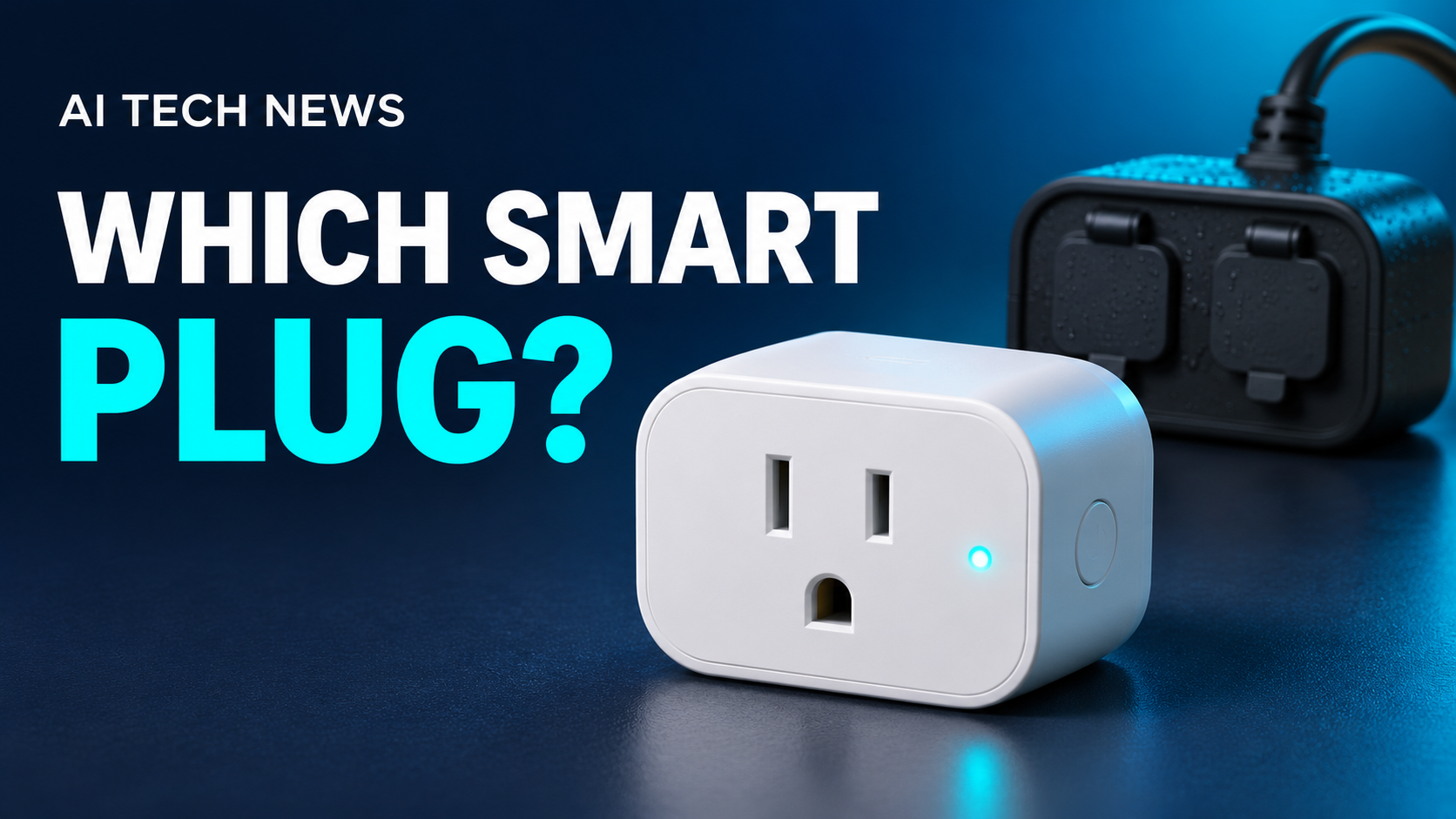
My first pick for most readers is the Tapo P110M if the price per plug is close to the basic Kasa. Choose the Kasa if a lamp timer is all you need and it costs meaningfully less. These picks are based on published specifications and compatibility information.

1. Kasa HS103 for a simple indoor timer
Use this one for an indoor lamp with a switch you can leave on. It connects to your home Wi-Fi and lets you set a schedule in the Kasa app without buying a separate hub. I’d pick it if the main job is turning a lamp on at dusk and off at bedtime. Kasa HS103 specifications
View Kasa HS103 on Amazon (paid link)2. Tapo P110M for energy tracking and Matter over Wi-Fi
This is the one I’d start with if you want to measure what a device uses. The Tapo app shows energy usage and can estimate operating costs when you enter your electricity rate. Tracking helps you decide whether changing a habit is worth the trouble. Tapo P110M specifications
It uses 2.4 GHz Wi-Fi and supports Matter. Check which features your smart home app can display. TP-Link lists energy monitoring in its own app and in SmartThings with additional setup, so I’d plan to use the Tapo app for the readings. TP-Link’s platform feature chart
View Tapo P110M on Amazon (paid link)3. Eve Energy for a home that already uses Thread
Choose the U.S. Matter version if your home already has a compatible Matter controller and Thread border router. Eve Energy offers energy monitoring and can relay messages for other Thread devices. Check how your chosen platform displays energy data before buying. Eve Energy features and requirements
If you’d need to buy extra hardware just to control one lamp, I’d choose a Wi-Fi plug. For help checking your setup, see Do You Actually Need a Smart Home Hub?
View Eve Energy on Amazon (paid link)
4. Tapo P400M for outdoor lights on separate schedules
The P400M is rated IP65 and has two outlets you can control individually. That lets you put patio string lights on one schedule and holiday decorations on another. Check Wi-Fi at the outdoor outlet and follow the installation instructions for the plug and outlet cover. Tapo P400M specifications
View Tapo P400M on Amazon (paid link)What to check before you buy
- Will the device turn back on when power returns? For a lamp, leave its switch on, unplug it, then plug it back in. If it lights up, a smart plug can control it. A lamp with a touch switch may still need a tap.
- Will it fit? Measure around the outlet and allow room for the plug next to it, especially if you use a bulky charger or a covered outdoor outlet.
- What does your setup require? Check the Wi-Fi band, any hub requirements, and which app offers the controls you want. For multipacks, compare the cost per plug and how many you’ll actually use.
- Is it rated for that job? Check the plug’s electrical rating for the type of load you plan to connect. For electric space heaters, the U.S. Consumer Product Safety Commission advises plugging directly into a wall outlet. CPSC space heater guidance
If you’re new to smart plugs, start with the one lamp or set of lights you already turn on and off every day. That’ll tell you whether you’d use a second plug.
Browse more practical buying guides at AI Tech News.