
You type “I’m on my” and your phone offers “way.” An email promising a free gift card goes straight to spam. A streaming app puts another mystery series on your home screen because you finished one last night. You can go a whole day using technology like this without ever opening a chatbot.
Artificial intelligence is a broad term for computer systems that perform tasks such as recognizing speech, sorting messages, making predictions, or generating text. Many of the AI tools you use today learn patterns from examples and apply those patterns to something new.

A kitchen timer follows a rule. A spam filter can learn a pattern.
Set a timer for ten minutes and it rings when the countdown reaches zero. The instructions are fixed. You could build a simple email filter the same way. Tell it to move every message containing “free gift card” into spam, and it will. That could include an actual gift card from your sister.
A filter that uses machine learning can learn from examples of spam and legitimate mail. During training, it adjusts how it weighs clues. An unfamiliar sender, an odd link, and urgent language may matter more together than any of them would alone. When a new message comes in, it uses what it learned to estimate whether the message belongs in spam. It can still get it wrong, which is why it’s worth checking that folder when you’re waiting for something important.
You’ve seen AI do three different jobs
- Recognize something. When you dictate “Pick up milk,” speech recognition turns the sound of your voice into words. Background noise or an unusual name can throw it off.
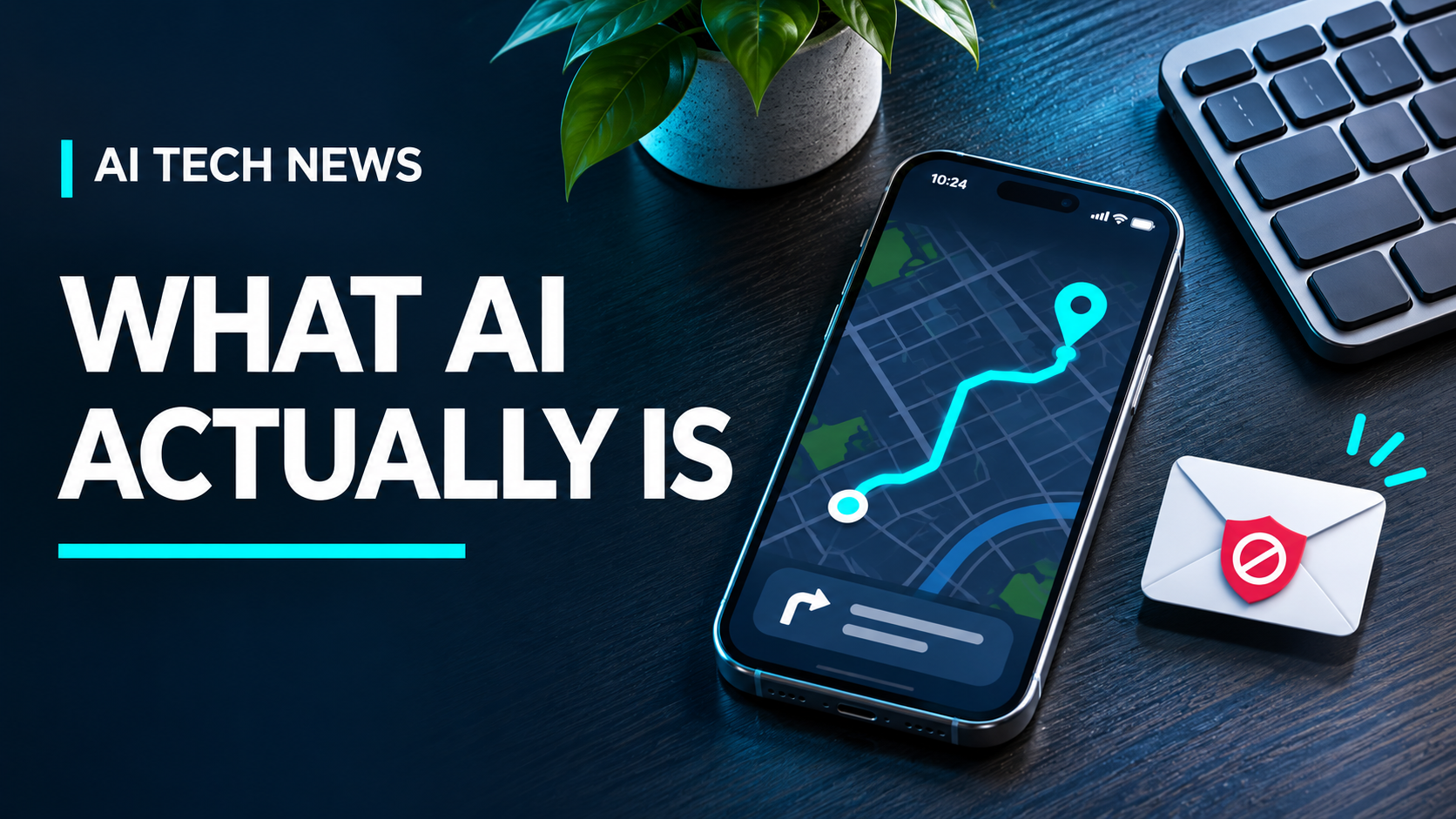
- Predict something. A maps app can estimate how long a drive will take using signals such as current traffic and typical travel times. A crash that just happened can make that estimate outdated.
- Generate something. Give a chatbot three points you need to cover in an email, and it can turn them into a draft. Give an image generator a description, and it can create an image based on that description.
Apps often combine AI with ordinary software. A navigation app can use map data and routing algorithms to find a path, then use a learned model to help estimate the travel time. Both jobs happen in the same app.
A chatbot takes the next-word idea much further
Think about the suggestions that appear above your phone keyboard. After “Can you send me the,” it might offer “link,” “address,” or “file.” That’s a familiar starting point for understanding how a language model writes.
A language model learns patterns from large amounts of text. When you give it a prompt, it uses the prompt and the text it has already produced to choose the next small piece of text, then repeats the process. The phone keyboard is a comparison for that one step. A chatbot can use much more context, so it can follow instructions like “make this warmer” or “turn these notes into a grocery list.” Some chatbots can also use tools such as web search or a calculator.

Why can AI sound right and still be wrong?
Suppose you ask a chatbot when your neighborhood library closes. It might give you “8 p.m.” in a perfectly clear sentence. If it didn’t check a current source, that answer could be a plausible guess. Even if it searched, it might have found an outdated schedule or picked a different branch.
That’s where the kind of task matters. If you’re asking for three ways to phrase an email, you can judge the result as you read. If you’re asking for a fact you’ll act on, check it against the original source. In this case, find the library’s own hours for your branch and look for a holiday notice before driving over.
Try it with something you can check
Give a chatbot four ingredients you already have and ask for two lunch ideas that use only those ingredients. Then look at the answers. Did it follow the instruction? Did it quietly add a fifth ingredient? Ask it to revise the recipe with what’s actually in your kitchen. You’ll see how it can work with the details you give it and where a quick human check still matters.
The next time an app does something that feels smart, ask what job it’s doing. Is it recognizing what you said, predicting what might happen, or generating something from your instructions? Once you know the job, it’s easier to decide what to trust and what to double-check.